
Away Some Article
  • Home
  • Submit a Guest Post
  • Digital Marketing
  • General
  • Business
  • More
    • Web and Mobile Development
    • Write for Us Health
    • Write For Us Games, Online Gaming, Gaming Reviews
No Result
View All Result
Write for us
Away Some Article
  • Home
  • Submit a Guest Post
  • Digital Marketing
  • General
  • Business
  • More
    • Web and Mobile Development
    • Write for Us Health
    • Write For Us Games, Online Gaming, Gaming Reviews
No Result
View All Result
awaysomearticle
No Result
View All Result

The process of Wireless N extender setup

Away Some Article by Away Some Article
June 29, 2020
in General, Technology
0
The process of Wireless N extender setup

The process of Wireless N extender setup

Share on FacebookShare on Twitter

Nowadays, connection issues are too common in different areas of our home, office you may also have a wireless internet problem. And we all know that now is not the time for internet and connection problems. Now, the good news is you can take this dull connectivity up to top levels with the only help of a little device called a Wi-Fi extender.

What is a Wireless N Wi-Fi extender?

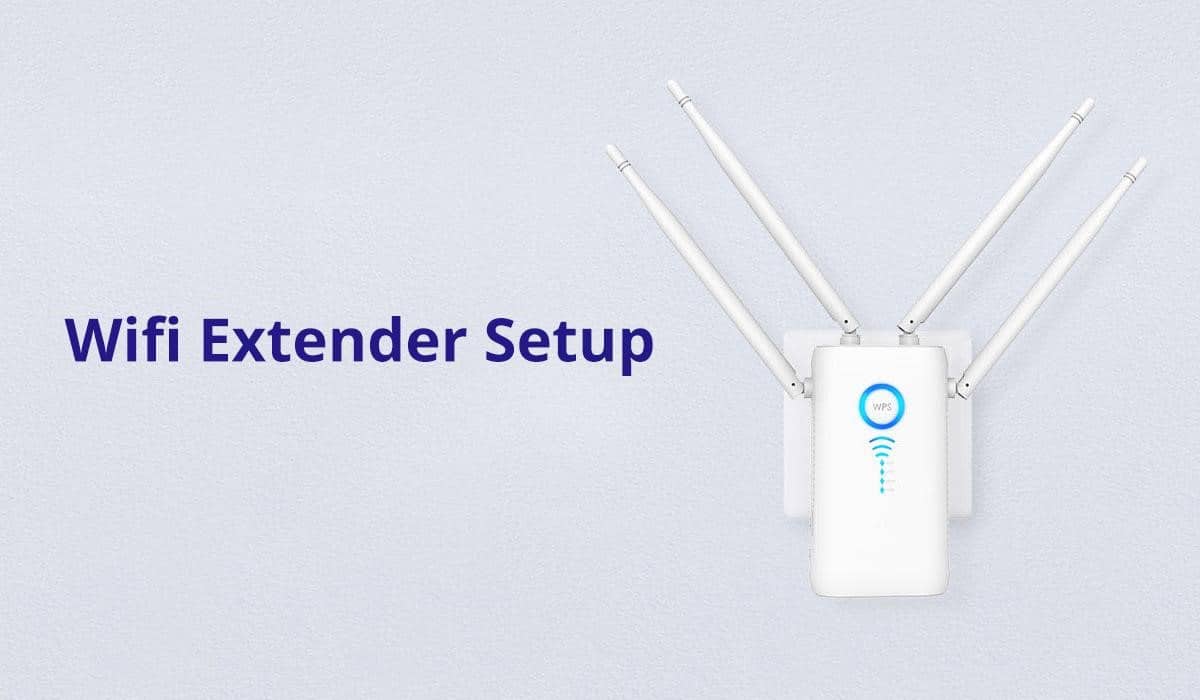
A Wireless N Wi-Fi extender connects with your router(either wirelessly or through a wired connection) just to help in extending signals into rooms that are Wi-Fi dead zones due to walls, floors, or any other obstructions. It’s a little device that comes between a wireless router and the areas where we want strong wifi signals.

You might also like

edit post
Dolphin Encounters in Cancun: What Makes Them Unique?

Dolphin Encounters in Cancun: What Makes Them Unique?

November 28, 2024
edit post

Is a Nanny the Right Choice For Your Home

September 11, 2024

How Wireless N extender works?

It just simply boosts or amplify the existing signals. It also enables all wireless devices within that expanded coverage space to connect to internet or similar network.

Do you need a Wireless-N Wi-Fi extender?

Here are some reasons it might work well for you-

If you are in a multistorey building and any floor is lacking internet or multiple users are using the internet. Wi-Fi doesn’t reach outside.

Wireless N repeater setup

1) setup of wireless n range extender through a wired connection

  • Connect the Wi-Fi extender to the computer just by using the ethernet cable.
  • Now it will take you to the web-based setup page.
  • Now launch the web browser.
  • Type 192.168.1.1 in the search bar or ap.setup.
  • Leave username blank and type “admin” as password.
  • Now click on wireless then basic wireless settings.
  • Click on “manual” button then enter your router’s SSID in CONFIGURATION-VIEW option.
  • Choose the security mode which your router is using on a Wireless security option.
  • Now after this enter your Wi-Fi password.
  • Lastly click save settings.

For best wireless N performance use WPA/WPA2 wireless security on your router and extender.

After following these steps your range extender should now be synchronized with your router.

 2) Using Wi-Fi protected setup

  • Now if your router and extender have WPS button then firstly press router’s WPS button then press the WPS button of the extender.

3) Web-based WPS button

a) Wi-Fi protected setup button

  • login to wireless-N extender then click wireless then WPS. Now search the WPS button on your client-side to start the process.

Now on web-based setup page click WPS under wireless list now choose “enabled” for WPS.

b) using WPS PIN

  • Put your client-side WPS PIN in the 2nd field in the range extender’s web-based setup page.
  • Now click “register”.

c) using the router’s PIN

  • If your client asks for router’s PIN enter the number shown In the 3rd field into your client’s device.
  • When the WPS process is active the light blinks for every 2 seconds for 2 minutes.After a successful setup that light stays.

For any error, the light blinks occasionally for 2 minutes. Wait until it stops blinking before trying again.

FREQUENTLY ASKED QUESTIONS(FAQs)?

  1. Q) Can I change the Extended wireless N settings of my extender?
  2. A) Yes, you surely can.
  3. Q) What should I do when I cannot connect the range extender to the router or access point?
  4. A) check if you are using the same wifi name and password as an existing wireless router.

For the first time, you may need to put extender close to the router and after setting up unplug it and you can now move it to any other location.

To minimize signal obstruction try different locations for router and extender.

  1. Q) Can I connect multiple devices to the extender?
  2. A) Yes, you can.

Q) Where should I place my extender?

A) The appropriate location for the Wireless-N extender is between your router and computer. But the extender must be in the limit of the wireless router.

Q) What can I do if the extender disconnects when connecting to the main router during setup?

A) Try to change the wireless settings of the main router.

Q) Can I add more than one range extender to my router?

A) Yes, you can definitely have more than one range extender for your setup.

Tags: extender device infoInternet
Away Some Article

Away Some Article

Away Some Article is an experienced writer who has written a plethora of articles, based on technology. Her extensive knowledge about Technology is evident from the articles, written in this blog. you need submit a guest post?, then contact us

Related Stories

edit post
Dolphin Encounters in Cancun: What Makes Them Unique?

Dolphin Encounters in Cancun: What Makes Them Unique?

by Away Some Article
November 28, 2024
0

Cancun, known for its stunning beaches, vibrant nightlife, and endless adventures, also offers a truly magical experience—swimming with dolphins. With...

edit post

Is a Nanny the Right Choice For Your Home

by Away Some Article
September 11, 2024
0

Choosing the right childcare solution is one of parents' most significant decisions. As families navigate the complex landscape of work-life...

edit post

A Look At The Aluminium Ladder Market By Key Players Through 2032

by Away Some Article
September 9, 2024
0

The Aluminium Ladder Market Research Report looks at the market's growth prospects and the prominent trends that will shape it...

edit post
The best way to keep yourself protected with outdoor survival skills

The best way to keep yourself protected with outdoor survival skills

by Away Some Article
August 12, 2024
0

Outdoor is more like an adventure, but survival skills can be a savior for you. The survival tips keep you...

Next Post
edit post

Fungal Skin Infection Causes and Prevention

Leave a Reply Cancel reply

Your email address will not be published. Required fields are marked *

Submit A Guest post | Away Some Article & Blog

Useful Links

  • About Us
  • Contact us
  • Latest Article
  • Privacy Policy
  • Disclaimer
  • DMCA Policy

Follow us

Populer Posts

edit post
Top AI Remote Companies in Arizona

Top AI Remote Companies in Arizona

October 10, 2025
edit post

Top Automotive Companies in Arizona

September 8, 2025
edit post
Top-Free-Dating-Apps

Top Dating Apps Without Subscription: Experience Unique Match Making for Free

September 8, 2025
edit post
Top Finance & Payments Companies in Arizona

Top Finance & Payments Companies in Arizona

October 10, 2025

Browse Category

Beauty Business Career Content Management System Digital Marketing Digital Marketing Trends 2020 Drupal 8 Drupal 9 eCommerce Businesses Fashion Finance Games General Gift Google Flutter Guest Post Guest Posting Hair Care Tips Health Home Home improvement Interior Design Jobs Lifestyle Magento 2 Magento 2 App Development Mobile & Web Development Mobile App Development Online Business Real Estate SEO SEO Digital Marketing Social Media Social Media Marketing Software Technology Tips Travel Traveling Uncategorized Web and Mobile Development Web Designing Web Development Web Development Services Yoga

Copyright © 2025 Away Some Article. All rights reserved.

No Result
View All Result
  • Home
  • Submit a Guest Post
  • Digital Marketing
  • General
  • Business
  • Mobile App Development
  • Web and Mobile Development
  • Write For Us Games, Online Gaming, Gaming Reviews
  • Contact us

Copyright © 2025 All rights reserved.



