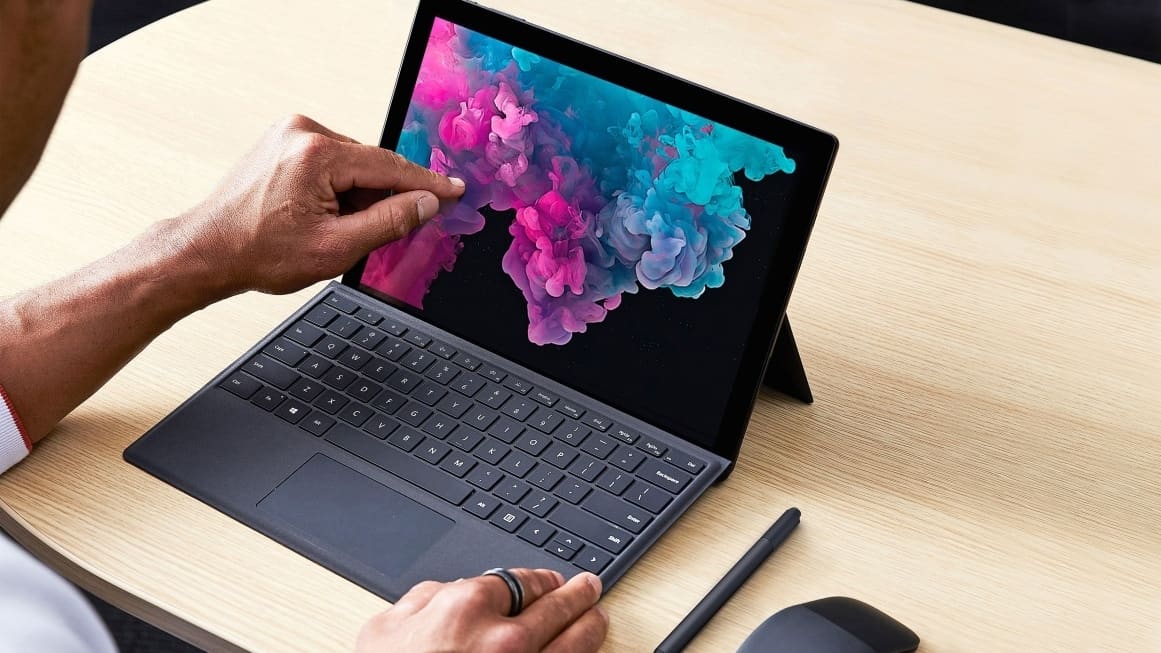
You don’t know which laptop to buy and you don’t have a computer friend to ask? We leave you a simple guide to learn how to choose your laptop.
Whether it is your first laptop, or if you need a new one, choosing the most suitable for your needs is not easy. Choosing wrong can be very expensive. If you do not have the remotest idea of where to start (nothing happens, you are not alone)
You might also like


we give you a good list of tips for buying a laptop. If you have already had to choose before, or more or less you know what you want, below you have several recommendations on which laptop to buy according to its use.
Tips for buying a laptop:
- Dimensions and weight
- screen
- Battery
- Processor
- RAM
- Graphic card
- HDD
- Connections
Which laptop to buy for:
- Domestic use
- college
- Edit videos and photos
- To play (gaming)
- Informatics Engineering
- Architecture
Tips for buying a laptop
Getting a computer is not easy, in fact we can find Best laptop for cyber security that can be used both to play games and to design buildings (we will clarify this later). That is why it is very important to know what to take into account when buying a good laptop, since we may find models that will make us manage both in our work and in our spare time.
Dimensions and weight
One of the most important tips we can give you to buy a laptop in 2020 is to take a good look at its weight and size (it is not going to be that besides a computer, you have to buy a new backpack). At this point we can find from MacBooks and NoteBooks of different brands with weights around or less than 1 kilo. If we want more power and a better value for money, both the price and the dimensions tend to rise to 2 kilos in most laptops, reaching even more in gaming laptops, where performance is sought at all costs (even that of our backs)
Screen type
Another thing you have to look at when buying a laptop is its screen, obviously not? Well, if you are one of those who uses the laptop to play, watch series and in general, for a more domestic use we recommend the “bright screens”. These screens offer more intense colors and contrast, but the light from the bulbs or the sun can give them causing us to have annoying reflections (they are ideal screens to use indoors or in low direct light).
However, if you are going to use the laptop at work, university or outdoors, we recommend the “matte screens”, in which at the cost of losing a little quality in the colors, we will gain a totally clear image even with direct lighting (perfect for working in bright environments).
Laptop Screen size
In addition to the type of screen, it is important to look at both its size and its resolution, since it will influence (and a lot) our experience of use. The smallest and most compact laptops have screens less than 12 ”, great to use literally anywhere, but uncomfortable to use for several hours straight.
In the strip between the 12 “and 14” screens we find most laptops, both for home use and dedicated to the study, since they combine a suitable screen size and fit easily in any backpack. If we go up to screens between 14 “and 16” we find laptops ideal for working daily, since they will allow us to have several tabs, programs or documents open at the same time without straining our eyes.
Finally, screens of more than 16 ”are found in high-end laptops, mostly intended for gaming, which ensure a feeling of total immersion for what we are being shown.
Battery
The battery is one of the most important things that a good laptop has to have, it will be the difference between continuously looking for a plug, or not. Although, the battery life of a laptop will depend on what use we are giving it, we recommend that you look for laptops that offer a duration of more than 12-15 hours.
If you are looking for a gaming laptop, you may not care so much, but if you are one of those who works anywhere or goes to university, it is something you should definitely consider when buying a laptop.
Processor
The processor will be what determines the power of our computer and one of the best tips we can give you is not to get obsessed with it. If you want to use your computer to play games, to edit videos and photos, to study architecture or engineering, you need a good processor (we recommend the different ranges of Intel’s i-7, which are incorporated by most high-performance laptops).
lpHowever, if you are looking for a more domestic laptop, for office or administrative work, do not look for large processors since you will not need them (you can limit yourself to an i-5 or even an i-3).
RAM
RAM is a very important thing to look at when buying a laptop, as it has a lot of impact on the way we use the computer. As with the processor, if you are looking for a laptop that has a high performance, we recommend that you look for models that have 12 GB to 16 GB of RAM.
If you are going to use it more linked to work or study, and you are one of those who open many tabs in the browser, or several programs at the same time, you should look for laptops between 8GB and 12GB of RAM. If finally, you are going to leave the laptop for a more domestic or leisure use, with 4GB of RAM you are fine.
Graphic card
Whether you want to play games, render and design content, the graphics card is one of the most important things to keep in mind when buying a laptop. If you are going to use the computer to work, to watch series and little else, this does not interest you as much.
These are some important factors you should know before buying any laptops.